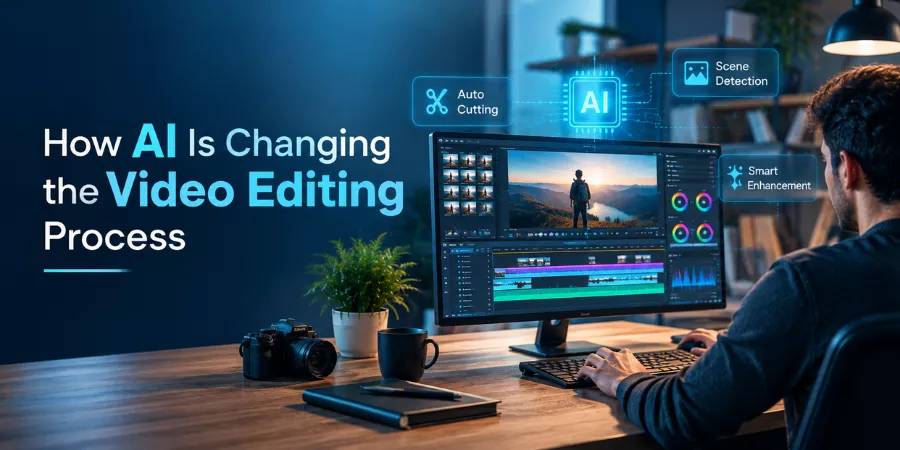
Video editing has always demanded a mix of technical know-how, patience, and a sharp eye for detail. A lot of an editor’s time goes into work that isn’t especially exciting — reviewing footage, picking out the clips worth keeping, trimming the dead weight, arranging scenes, adding captions, fixing audio levels, and putting together different versions for different platforms. Artificial intelligence is starting to take over a good chunk of that repetitive work, while still leaving the creative calls to the person actually making the video.
Modern AI video workflows increasingly run on natural-language instructions. Rather than hunting through menus to find the right function, users can just describe what they’re going for and let AI help organize the legwork. That’s opening video production up to beginners who might have found it intimidating before, while giving experienced editors another way to speed through the routine parts.
What AI Video Editing Actually Means
At its core, AI video editing is software that uses machine learning or similar techniques to help with the tasks involved in creating and shaping video — recognizing objects and speakers, catching pauses, generating subtitles, removing backgrounds, cleaning up audio, picking out highlights, and organizing raw footage into something usable.
It’s worth being clear about what this isn’t. Most modern tools don’t just spit out a finished video with no human involved. They handle specific pieces of the workflow, and the editor still gets to review what’s been suggested, rearrange the sequence, adjust timing, and make the actual creative decisions.
This kind of workflow is showing up more and more across both consumer and professional editing tools. And it’s increasingly built directly into established editing software, rather than living off to the side as some separate experimental add-on.
Talking Through an Edit Instead of Clicking Through One
One of the more interesting shifts here is conversational editing. Natural-language interfaces let creators explain what they want without needing to know the exact command, or where a particular feature is even buried in the interface.
Say someone wants to turn a stack of clips from an event into a short video. Instead of manually reviewing every single file, an AI-assisted workflow can help pick out the relevant moments and string them into an initial sequence. From there, the creator’s job is really just to check whether that selection actually tells the story they had in mind.
A setup like a ChatGPT video editing tool is a good example of this — it connects conversational instructions to an actual editing environment, so uploaded footage gets analyzed and organized into an editable first cut. The key thing is that “first cut” really does mean first — the sequence stays open to review and change rather than being treated as a finished product.
Getting Through Raw Footage Faster
Sorting footage is one of the least glamorous parts of the whole process. A single shoot can leave behind dozens, even hundreds, of clips, and figuring out what’s actually worth using can eat up hours on its own.
AI can help by analyzing footage and flagging moments that look potentially relevant — depending on the tool, that might mean recognizing speech, detecting scene changes, identifying who’s in frame, or finding sections based on a plain description of what’s being looked for.
This tends to matter most for interviews, educational recordings, webinars, conference footage — anywhere a huge volume of material only needs a small slice of it in the final edit.
Automated selection is still worth treating as a first pass, though, not a final answer. AI can miss context, skip over an important reaction, or pick a moment that’s technically clean but just doesn’t fit where the story’s actually going.
Where Automation Really Pulls Its Weight: Captions and Audio
Captions are another area where automation genuinely saves time. Rather than manually transcribing every line of dialogue and syncing it by hand, AI systems can generate captions automatically — leaving the editor to go back and fix names, technical terms, punctuation, and timing where needed.
Audio’s heading the same direction. AI features can isolate voices, cut down unwanted background noise, balance dialogue against music, or flag sections that need extra attention. That’s especially useful for anyone working with footage recorded somewhere that wasn’t exactly a controlled studio environment.
None of this is really about eliminating manual editing altogether. It’s more about freeing up time — less of it spent on repetitive prep work, more of it spent actually judging whether the final piece works.
Why AI Editing Still Needs a Human in the Loop
For all the progress, AI still can’t reliably replace human judgment across the board. A cut can be technically flawless and still land flat — boring, confusing, or just emotionally off.
Editors bring an understanding of context, audience, pacing, humor, and emphasis that automated systems don’t fully replicate. An AI might flag a sentence as important because it contains the right keywords, while a person can tell that a quiet reaction shot actually matters more to the story than anything being said out loud.
That’s why the strongest AI-assisted workflows keep humans firmly in the loop. AI can put together a rough cut, suggest changes, or handle the repetitive operations — but the final sequence, the actual storytelling, stays a human responsibility.
Picking the Right AI Video Workflow
There is no “best” workflow here, it really depends on the project. If you’re making short social videos, you’re probably most interested in auto captions, easy formatting and fast clip selection. A filmmaker will likely want detailed timeline control, true color correction, advanced audio tools and frame-level precision.
Rather than picking the platform with the longest list of features, it’s worth comparing AI tools to what a project actually needs. Things like supported file types, how much control you have over the editing process, output options, privacy practices, collaboration features, and ease of rolling back AI-generated decisions often matter more than raw feature count.
The current landscape of AI video tools already spans a wide range of use cases — everything from transcript-based editing and short-form repurposing to full professional timeline workflows.
Where This Is Heading
AI seems set to become a genuinely integrated part of editing rather than a separate feature people switch on occasionally. The direction is already visible — conversational workflows, automated footage analysis, smarter audio processing, AI-assisted timeline management.
The bigger shift probably isn’t full automation of the editing process itself. It’s more likely to be a shrinking gap between having an idea and having something editable in front of you. Creators describe what they’re after, hand over their source material, get back an editable starting point, and spend their actual energy on making the story better.
As these systems keep improving, understanding their limits will matter just as much as learning how to use them. AI can speed up the mechanics of editing considerably — but thoughtful human direction is still what makes a video actually communicate clearly and connect with the people watching it.