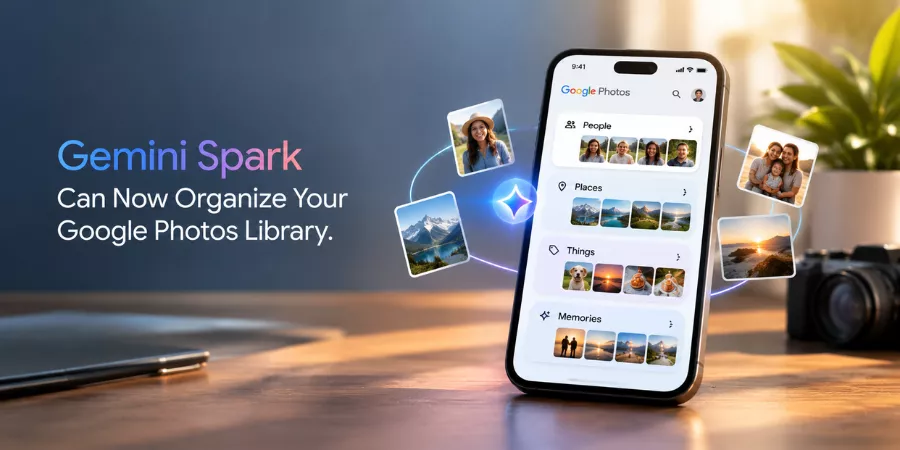
Google keeps pushing its AI agent deeper into the tools people already use. This time it’s Photos. Gemini Spark, the company’s personal AI agent, can now edit images, organize albums, and handle other everyday tasks inside Google Photos, at least for the subscribers who’ve been given early access.
Google Photos lead Shimrit Ben-Yair broke the news Thursday evening on X, saying the capabilities would roll out gradually over the next few weeks.
What Does Gemini Spark Do Inside Google Photos
Gemini Spark can edit photos, curate and organize albums, automatically build shared albums, turn event photos into calendar entries, and run multi-step workflows across a user’s entire photo library.
Spark handles the kind of busywork most people put off for months. Ask it to edit a photo, and it edits it. Ask it to pull together a shared album from a trip, and it builds one. It can even scan a picture of a concert flyer and turn it into a calendar event, which is a small touch but a genuinely useful one.
What it’s capable of so far:
- Editing individual photos on request
- Sorting and curating albums without manual work
- Creating shared albums with a group’s best shots pulled automatically
- Converting flyers or event photos into calendar entries
- Running multi-step workflows across a photo library
Ben-Yair said the idea came from her own frustration managing over 143,000 photos and videos, a number that probably sounds familiar to anyone who’s never deleted a screenshot in their life.
Who Can Access Gemini Spark for Google Photos Right Now
Gemini Spark for Google Photos is currently available only to Gemini AI Pro and Ultra subscribers in the United States, in English, with the rollout happening gradually over the next few weeks.
| Detail | Information |
| Eligible plans | Gemini AI Pro and Ultra |
| Region | United States |
| Language | English |
| Rollout | Gradual, over the coming weeks |
| International launch | Not announced |
So, if you’re outside the U.S. or on a free Gemini plan, you’ll be waiting a while, and Google isn’t offering much clarity on how long.
How to Set Up Gemini Spark in the Google Photos App
Direct answer: To use Gemini Spark with Google Photos, connect Google Photos to the Gemini app, toggle on Spark in the top corner, then type a prompt describing the task you want completed.
Setup steps:
- Connect Google Photos to the Gemini app
- Toggle on Spark, which sits in the top corner of the app
- Type a prompt describing what you want done
- Check the result, a finished album, an edited photo, a new calendar event
Because it runs on plain-language prompts, there’s no new menu to learn. You just say what you want.
Why is Google Adding AI Photo Management Features Now
Google is expanding AI features into everyday products like Photos because the AI industry is under pressure to prove concrete value to regular consumers, not just enterprise users, amid growing public skepticism about AI’s real-world benefits.
Just this week, OpenAI’s Sam Altman admitted to Bloomberg that the industry hasn’t done a great job explaining what AI is actually for, and that gap has fed a fair amount of public backlash.
Google’s answer, at least for now, is to keep bolting Gemini onto products people already use rather than waiting for some bigger unifying pitch. It’s a reasonable strategy, but it comes with a catch: organizing a photo album was never that hard to begin with. The real question is whether Spark saves people meaningful time, or whether it’s just an AI label stuck onto something that already worked fine.
What Google Photos AI Update Means Going Forward
This update signals Google’s broader strategy of embedding Gemini AI agents directly into existing consumer products rather than keeping them as standalone tools, a pattern likely to expand to more Google apps if the Photos rollout succeeds.
This fits a pattern Google’s been building for a while, Gemini agents showing up inside existing apps instead of living as a separate assistant off to the side. Spark already handles creative and productivity tasks through the main Gemini app and through Antigravity. Photos is just the newest addition.
If early adopters find it genuinely useful, don’t be surprised if Spark starts showing up in more corners of Google’s ecosystem soon. If it doesn’t stick, it’ll join the long list of “AI-powered” features nobody really asked for.