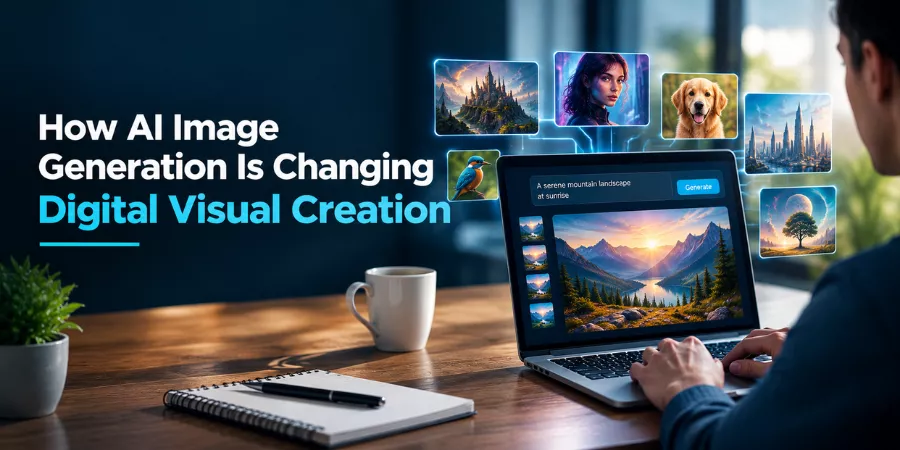
Making digital images used to take design knowledge, the right software, plenty of time. Even something simple meant picking a concept, finding references, adjusting colors, arranging elements, prepping the final file for wherever it’s going. AI’s changing that. Describe a visual idea in ordinary language, turn it into an image.
Shows up across content creation, education, marketing, entertainment, personal projects now. Understanding how these systems work — and how to actually use them well — helps you produce more relevant, more consistent visual content.
What Is AI Image Generation?
Tech creating visual content from instructions a user supplies. Written description, existing image, or both together. Modern systems interpret info about subjects, environments, lighting, colors, composition, artistic styles before producing a new image.
Someone describes a quiet mountain village at sunrise, specifying the season, weather, camera perspective, overall mood. System reads it, generates an image based on the prompt.
Some tools support image-to-image generation too. Instead of starting purely from text, provide a reference image, describe how you want it changed. Helps hold certain elements of a composition steady while experimenting with different visual directions.
Why Detailed Prompts Matter
How good the result turns out depends heavily on the instructions you give. “A beautiful city” — vague, leaves too much up to the system. A more detailed description covers the architecture, time of day, camera angle, lighting, atmosphere, color palette.
A useful prompt usually covers a few basics:
- Subject: What should actually appear?
- Environment: Where’s the subject located?
- Composition: How should objects be positioned?
- Lighting: Bright, dramatic, soft, atmospheric?
- Style: Photographic, illustrated, cinematic, abstract?
- Format: What shape or aspect ratio’s needed?
Doesn’t guarantee a perfect result first try, sure. But it gives the image model way clearer instructions to actually work with.
Common Uses for AI-Generated Images
AI-generated visuals support a lot of different digital work. Social media creators use them for post illustrations, thumbnails, backgrounds, conceptual graphics. Writers create visual references for fictional settings and characters. Teachers develop illustrations for presentations and learning materials.
Businesses use generated images during early creative development too. A designer might generate several visual concepts before deciding which direction actually deserves more refinement.
E-commerce is another real application. Conceptual product scenes, promotional backgrounds, advertising ideas — all developed without photographing every possible setting. Generated visuals shouldn’t misrepresent a real product or its characteristics, though.
Storyboarding and digital comics benefit here too. Characters, environments, scene concepts get visualized fast, letting creators explore ideas before committing to a finished design.
Choosing the Right Image Generation Approach
Different projects need different workflows. Text-to-image generation’s useful when you’ve got a clear concept but no existing visual reference. Image-to-image generation fits better when composition, subject appearance, or some other visual element needs to stay part of the creative direction.
For anyone exploring these workflows, an AI image generator gives you a practical environment for experimenting with text prompts and reference images. The current tool supports both text-to-image and image-to-image approaches, plus editing options for refining generated results.
Where an image’s headed should shape its dimensions too. Square graphics work well for certain social platforms; widescreen fits video thumbnails or presentations better. Picking the right aspect ratio early cuts down on cropping later.
Editing Is Still an Important Step
Generating an image isn’t necessarily the end of the creative process. AI systems can produce unexpected details, unusual proportions, inconsistent objects, visual elements that just don’t match the original idea.
Editing fixes a lot of this. Common adjustments: cropping, brightness, contrast, saturation, sharpening, background changes. Some AI image workflows let you refine a result through additional prompts instead of starting from scratch, too.
Human review matters especially when an image’s headed somewhere public. Small errors that are easy to miss at first glance become noticeable fast once the image is in a professional or highly visible context.
Copyright, Accuracy, and Responsible Use
AI-generated images also raise practical questions around ownership and responsible use. The legal treatment of content produced by AI will vary by jurisdiction and by case, so don’t assume that every generated image will get the same copyright protection as traditionally created art.
Also think about where you’re sourcing reference images from. If you upload a photo, artwork, logo or other protected material that belongs to someone else, you may be dealing with rights you need to respect. It is very important to review the relevant platform terms and applicable laws for commercial use.
Precision also matters. Generated photos can be photorealistic, but with imaginary or false details. Makes them unfit to be taken as unassailable proof of real events, people, places, products.
The Future of Visual Creativity
AI image generation’s best understood as another creative medium, not a full replacement for human decision-making. The tech accelerates experimentation, helps visualize abstract ideas, cuts some of the technical barriers involved in creating digital artwork.
Effective results still depend on human judgment, though. Choosing the right concept, writing useful prompts, spotting mistakes, refining the output, deciding where an image should actually get used — all real creative decisions.
As these systems keep developing, the most practical workflow’s probably combining automated generation with careful human direction and editing. That’s what lets creators benefit from faster visual experimentation while keeping control over the purpose, accuracy, and final presentation of their work.